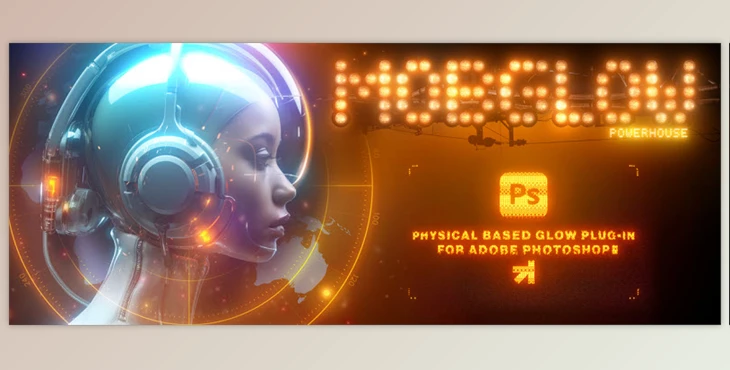
Aescripts - mobGlow Photoshop Plugin:
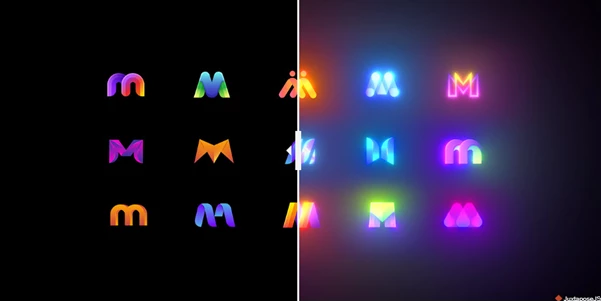
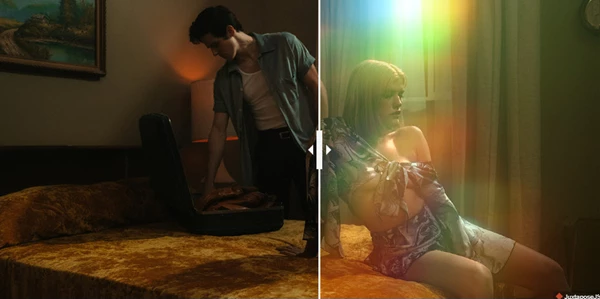
mobGlow – a revolutionary Photoshop plugin – enables photorealistic glow creation and meticulous detailing with unprecedented ease. Enhance images with soft, cinematic glows reminiscent of classic films using inverse-square falloff glow production.
mobGlow is ideal for CGI artists, digital painters, and graphic designers, embracing the imaginations of creatives and enhancing workflows. With a polished tool while working in photo editing, CG compositing, and graphic design, mobGlow becomes an intuitive solution ready to elevate visual projects.
Some great features of Aescripts - mobGlow Photoshop Plugin:
- Threshold Slider: A user adjusts the glow's density through one of three modes, from highlights to full-image glows.
- Color Sampler: Identify a specific color to be applied to glow and provide high-precision glows where required in the image.
- Quick Mask Tool: Selective glow application with brush-painted areas, his table masks are retained in a channel slot devoid of edits.
- Complex Masking: Pertains to revealing/hiding parts of glow using selections, brushes or gradients, providing a broad range of control over the glow.
- Color Tinting: Create a beautiful light effect with intense color to achieve stunning results.
- Chromatic Aberration: Subtly distort edges colors of the image and adjustable per channel, distance and blur.
- Alpha Channel Creation: Makes black backgrounds transparent, which allows uninterrupted layer stacking.
- Non-Destructive Editing: Preserve original settings while render-editing multiple glows to allow continuous adjustment.
- 32-bit Mode Support: HDR glows for smoother and higher-quality output.
- Highlight Cutoff: Midtone focussing makes it glow, and excluding bright areas helps with blended visuals.
- Highlight Fade Control: Enhanced image clarity by eliminating gradually exposed core glows in oversaturated borders.
Compatibility
- Cross-platform available: Mac, PC, and Apple M-chips.
- Photoshop version: Compatible with 24.2.0 and above.
- Language when using Photoshop: Any settings.
"Aescripts - mobGlow Photoshop Plugin" Samples: