Blender - Material Picker:
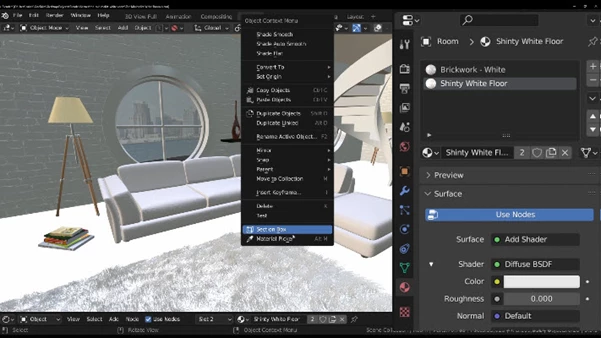
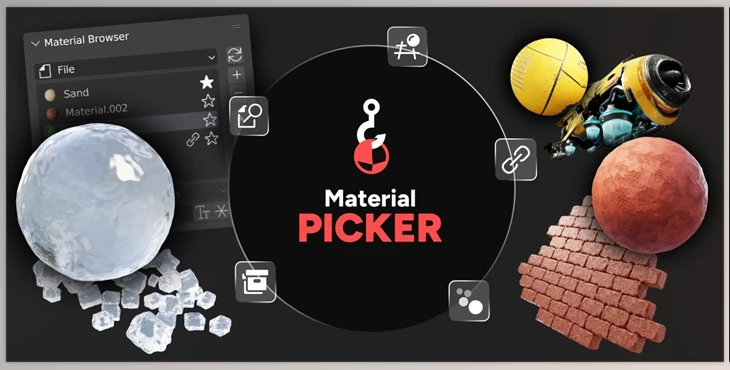
Material Picker is a new user-friendly interface for locating, selecting, and modifying materials within Blender.
With this tool, you can choose materials from the viewport edge, view all materials within the Shader Editor, and even locate certain materials with the integrated search tool. This tool was built for speed and works with the Material Browser and even geometry nodes workflows, linked and instanced objects. Material Picker was created alongside a professional 3D artist to improve productivity in more complicated scenes.
Some great features of Blender - Material Picker:
- Material Picker: Select materials as you hover over them in the viewport.
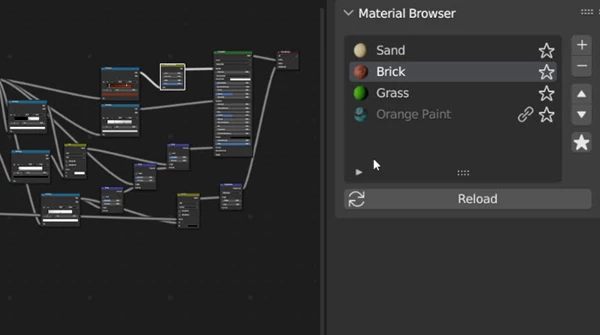
- Material Browser: Administrate all gathered materials effortlessly in one place.
- Material Search: Access any material directly with an integrated search tool.
- Full Workflow Compatibility: Seamless integration with all blender workflows, including:
- Geometry Nodes: Automatically generates a control object for slots with no material assigned.
- Linked Objects: Updates the file in real-time when opened for editing.
- Instanced Objects: Select the source object with the picked material assigned to it.
- Optimized for Professionals: Collaborating with a 3D artist, designed to improve workflow in complex scenes.
"Blender - Material Picker" samples: