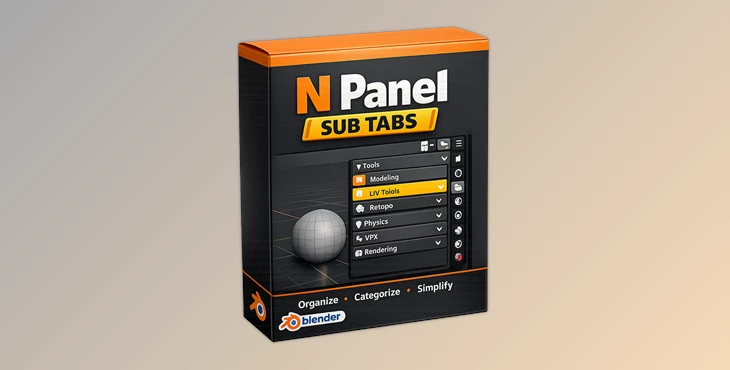
Blender - N Panel Sub Tabs:
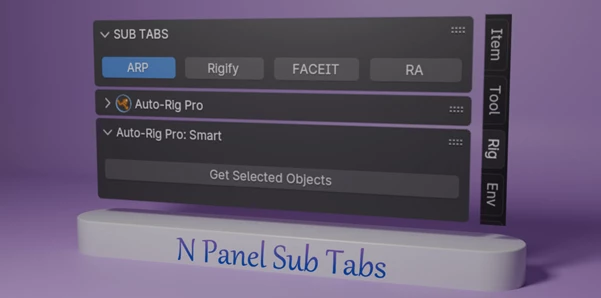
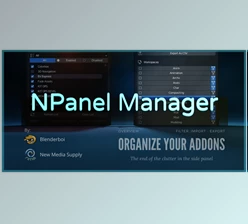
Sub Tabs feature N Panel AddonAddon is an organizational structure enhancement for the Blender N Panel Side Bar Users Problems. As the number of addons for Blender increases, it becomes more difficult to accurately pinpoint the set of tools one requires since the sidebar is filled with numerous tabs. This addon will allow users to group similar tabs into sub-tabs, making it easier for users to navigate. Version 2.x has brought more user-defined options with the new data structure settings for better workspace management and more user-friendly features, which greatly change the user's experience.
Some great features of Blender - N Panel Sub Tabs:
Multiple Tab Support
- With the Shift key pressed down, users can enable multiple panels from the same category by their different addons' tabs in one primary category.
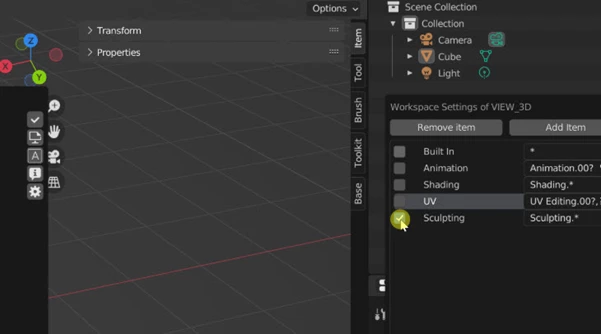
Workspace and Workflow Settings
- These rules can be set with the assumption that the user will switch between different workflows manually and automatically depending on changes to the workspace area.
- Group unused tabs, thereby making modifying or changing the configuration settings much faster.
Preference for AddonAddon:
- Define preferences such as the number of tabs to display in a row on the Sub Tabs Panel.
- Ability to use category settings upon opening the Blender.
Management of the Settings:
- Easy modification of editing tasks like addition, deletion, changing order, or changing the name of the categories and tabs.
- Collapse or expand categories to allow for better use of space and improve efficiency.
Excluding some Tabs:
- Avoid some tabs from certain add-ons that control their own N Panel tabs to avoid conflicts.
"Blender - N Panel Sub Tabs" Samples: