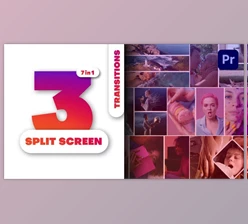
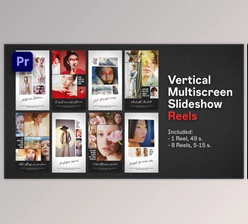
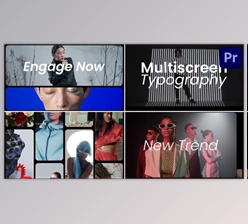
Vertical Multiscreen Transitions:
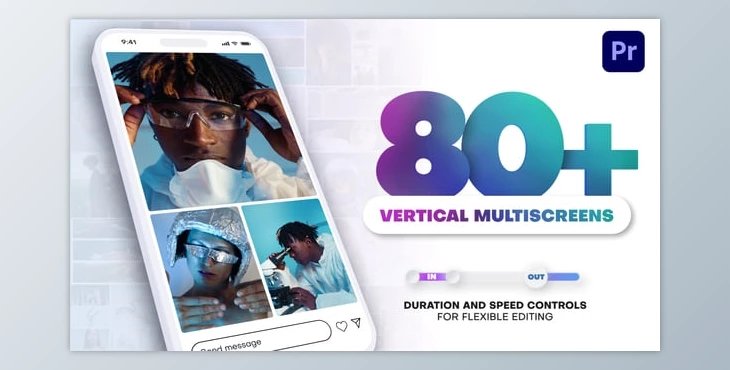
The Vertical Multiscreen Transitions Pack for Premiere Pro caters to vertical video editors through an organized solution of over 80 pro presets. The pack allows for effortless editing and improvising of speed, duration, and frames, which helps marketers, content makers, and video editors alike to make the most out of vertical videos created for TikTok, Instagram Reels, and YouTube Shorts. Its user friendly interface with an array of customizable settings makes it an exceptional tool to craft vertical content at a pro level.
Some great features of Vertical Multiscreen Transitions:
- 80+ Vertical Transitions: A collection with over 80 transitions made for vertical video content.
- Duration & Speed Control: Perfect pacing and flow is achieved through a single adjustment of transition duration and animation speed.
- Ease of Use: Both advanced and beginner users can enjoy this user-friendly interface.
- Frame Control: Change the width and roundness of the frame or completely remove it for a sleek style.
- Transition & Multiscreen Mode: One click is all it takes to seamlessly switch between transition and multiscreen modes.
- Flexible Styling: Improve the video composition with rounded corners and other aesthetic touches.
- Synchronized Rhythm: Easy speed control allows the video user to match the narrative of the video with the rhythm.
- Fully Customizable: Will work with all video formats, including photograph, images and video clips.
- Comprehensive Documentation: Comes with video guides and text files that serve as aids to editing.
- Drag-and-Drop Functionality: Seamless addition to your Premiere Pro workflows.
- Compatibility: No plugins needed works perfectly in Premiere Pro CC 2024 and newer.
- Resolution: Allows vertical video editing in the resolution of 1080x1920p.
This set is created to assist the creator in bringing higher quality to their vertical contents to make it more entertaining to the viewers.
Download Vertical Multiscreen Transitions (Videohive 56656686) - PR Project from the below link now!