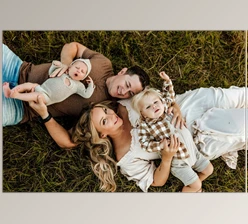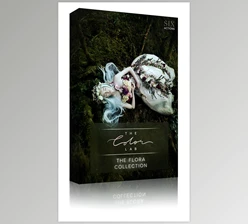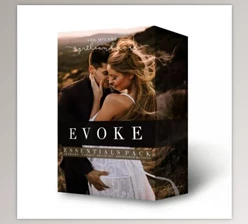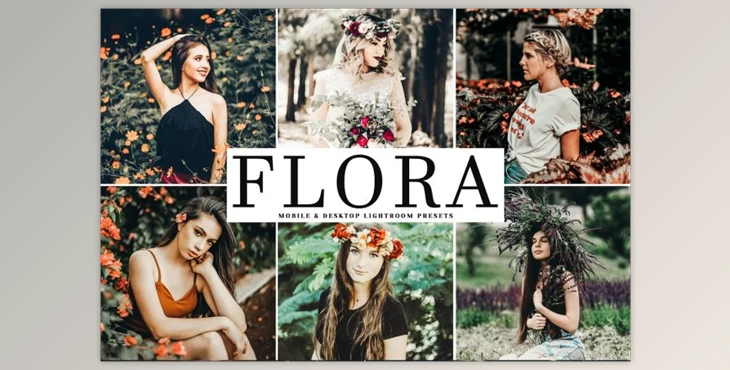
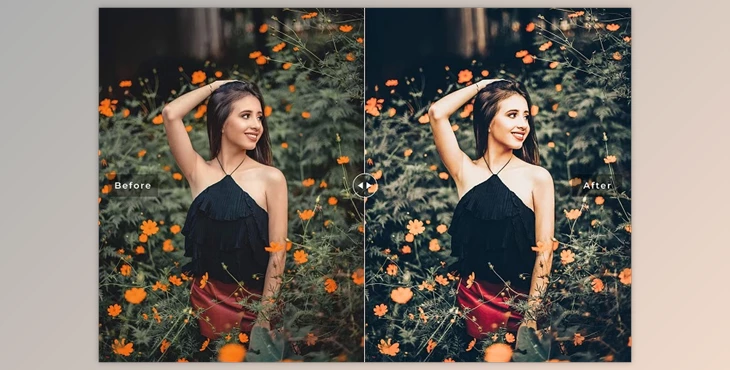
The Flora Lightroom Presets Pack offers a convenient solution for enhancing your photography with ease. With a single click, these presets provide deep blue soft fades, light greens, and a touch of sharpness, elevating your photos effortlessly.
How to apply deep blues, light greens, and a touch of sharpness to your images using presets?
You can edit your pictures beautifully from "Flora Lightroom Presets Pack" in Photoshop.
Where can I download the product?
After subscription, You can download it for free from here.
Whether you're a novice or a professional, this collection ensures consistency, a unique style, and a captivating mood across various settings, including outdoor and indoor photography, weddings, portraits, fashion, and more.
The pack includes 11 LR template files, a CameraRaw Photoshop action file, DNG files, CameraRAW XMP files, and detailed instructions for seamless editing.
"Flora Lightroom Presets Pack" Samples:
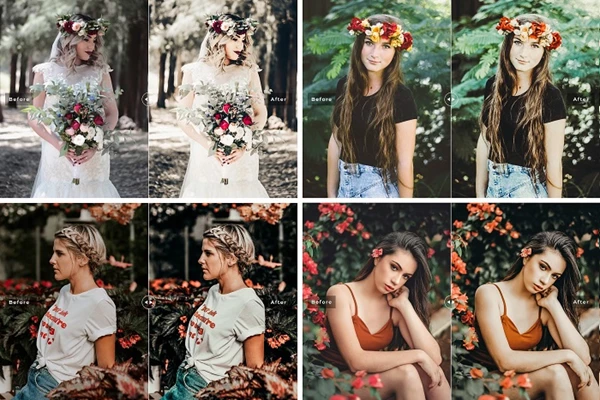
Compatible with Lightroom 4-7, Adobe Photoshop, and Lightroom Mobile on both Mac and PC, these presets empower you to enhance RAW and JPEG images while retaining flexibility for customization.
Download Flora Lightroom Presets Pack from the below link now!

Files Password : gfxplugin.com OR 123456