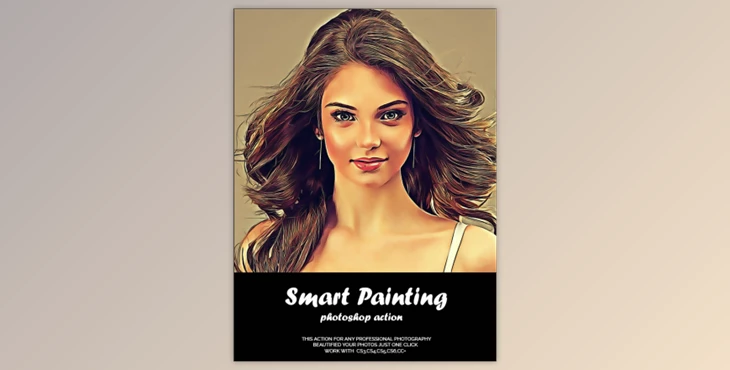
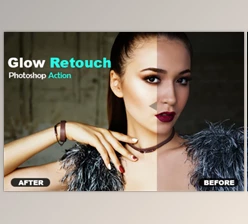
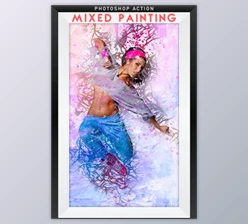
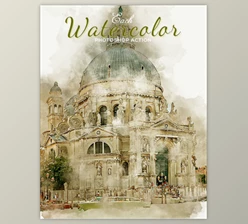
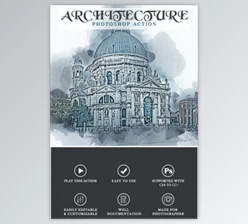
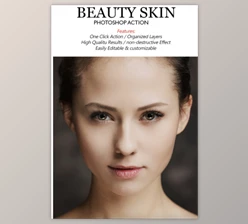
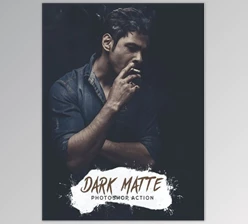
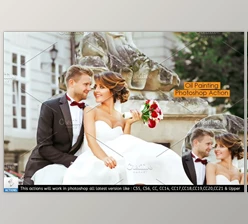
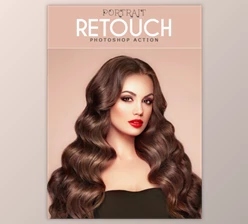
Some great features of Smart Painting Photoshop Action By fokkira:
- This action will convert photos into Smart Painting Photoshop Action.
- The download folder includes detailed instructions and a help file.
- Tested and proven to work.
- Easy to modify and customize.
- Non-destructive Workflow.
- Every photo must be taken.
- High-quality results
- One click action
- Layer of well group
This is for graphic designers, photographers, artists only.
This action has been tested and working on Photoshop (English versions) CS3,CS4,CS5,CS6,CC,CC+.
For best results, high resolution photos are the best.
Instructions for Action
- Open Photoshop.
- Click "Actions" on the "Window Tab." Once the window is opened, an arrow will appear in the upper right-hand corner. Click the button to open the window and click "Load Actions".
- Click the play button and choose the action you want.
- You are done!
Download Smart Painting Photoshop Action By fokkira from the below link now!